![n'1fo[r-matik]](https://www.n1fo.fr/wp-content/uploads/2022/04/n1fo-logo-small.svg)
Une nouvelle mouture du navigateur Firefox est arrivée. Pour cette version 149, le navigateur améliore certaines fonctions et en propose de nouvelles…
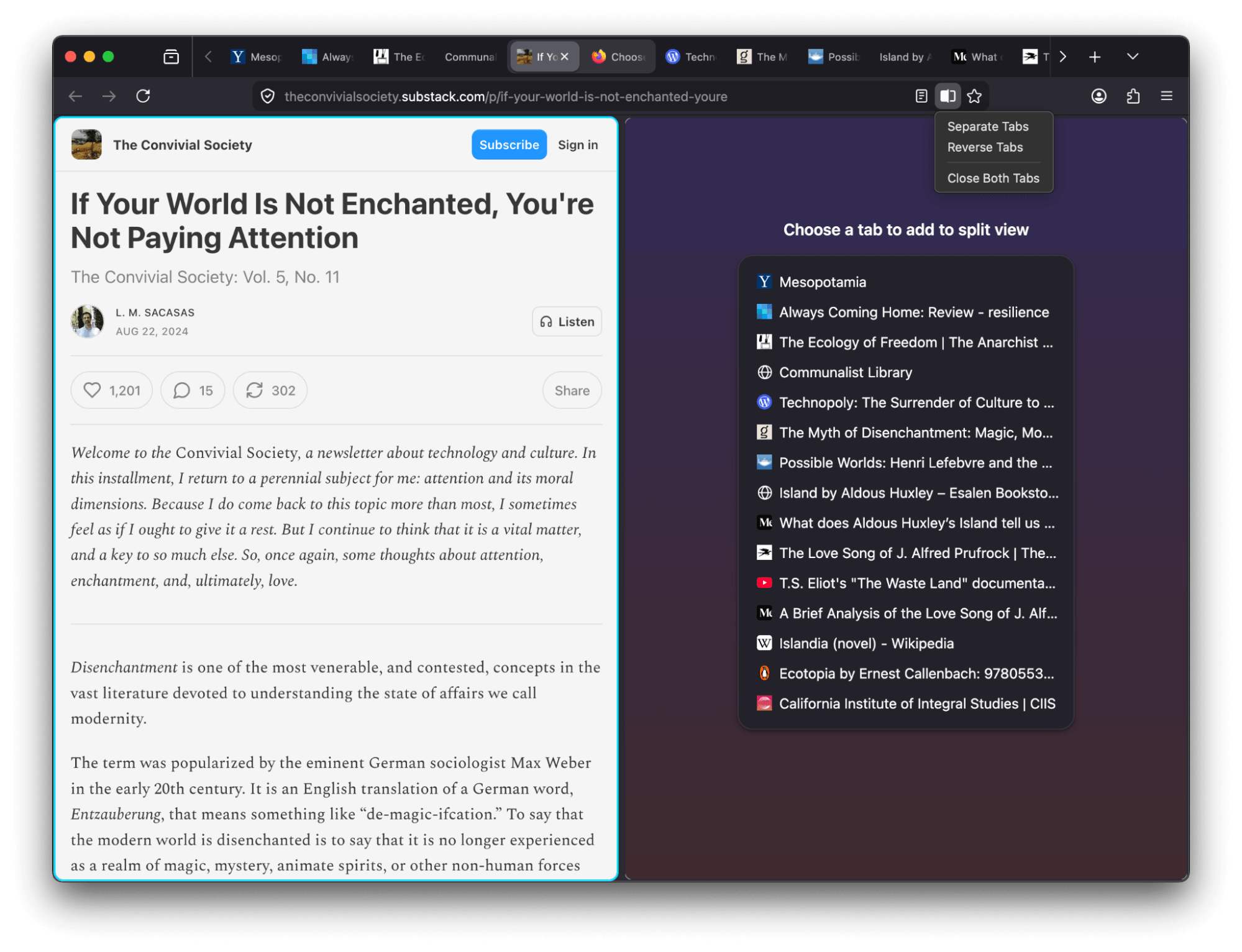
Tout d'abord, vous pouvez désormais consulter deux pages côte-à-côte grâce à la nouvelle fonction "vue séparée". Un service de VPN gratuit, géré par Mozilla, sera également déployé à partir d'aujourd'hui dans 4 pays (dont la France) offrant 50Go de quota mensuel.
Ensuite, côté améliorations, les PDF se chargeront plus rapidement, le navigateur utilise une API de géolocalisation plus moderne sous Windows et utilise également les fenêtres ouverture/enregistrement plus moderne dans les environnements GTK.
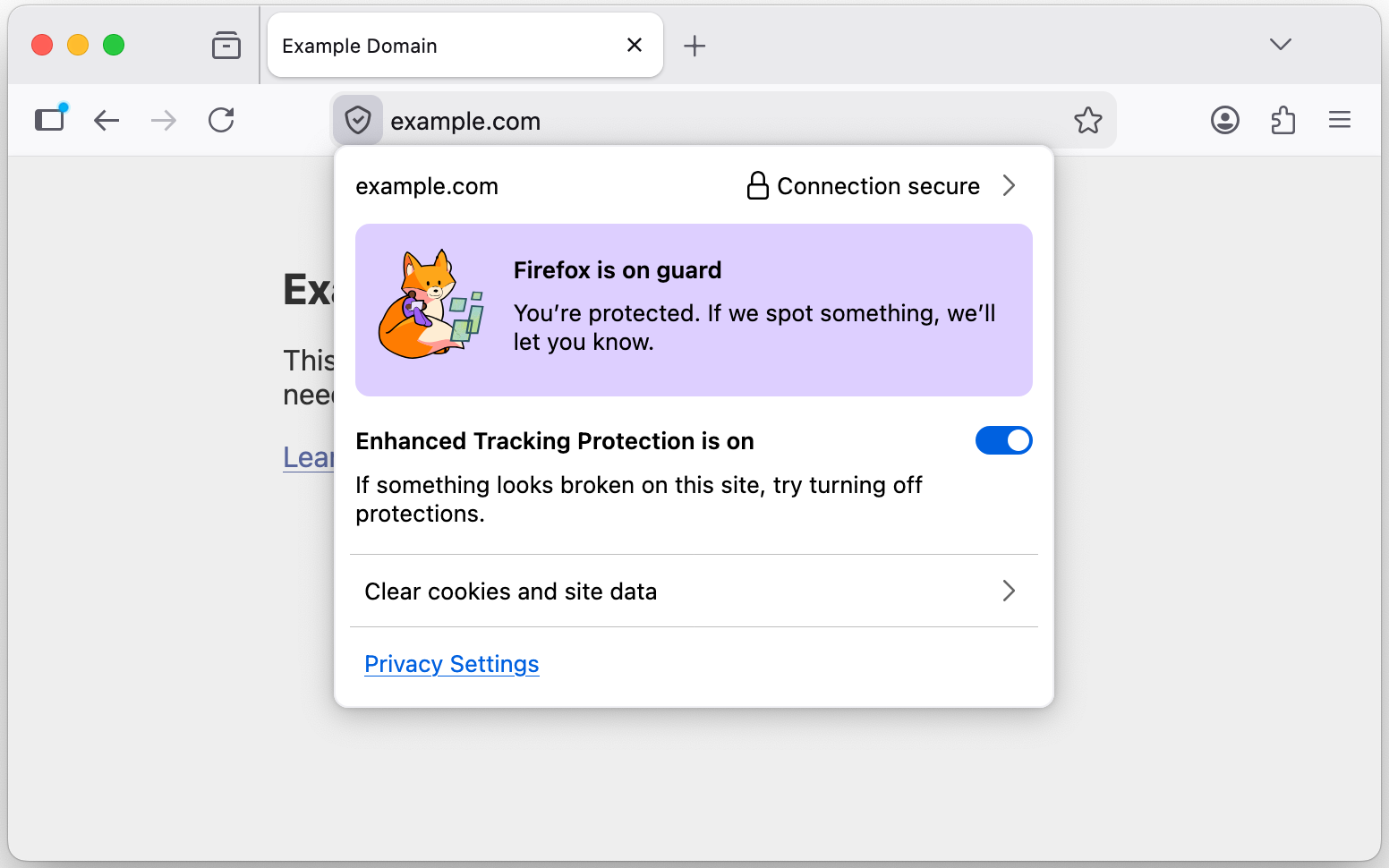
Pour la sécurité, Firefox bloquera les notifications et révoquera tous les droits des sites répertoriés comme malicieux. La sécurité sera amélioré lorsque des fichiers Javascript sont chargés et le panneau de confiance regroupe les anciens panneaux de vie privée et sécurité accessible depuis la barre d'adresse.
Côté développeurs, une longue liste de nouvelles fonctions supportées est également fournie.
Voici la liste complète des modifications par rapport à la version précédente :
New
- View two pages side-by-side in a single window with the new Split View feature that makes it easier to compare information, research topics or work across two pages at once. To create a split view, select one or two tabs and choose Add to Split View or Open in Split View.
- Firefox now offers a free built-in VPN. Whether you’re using public Wi-Fi while traveling, searching for sensitive health information, or shopping for something personal, this feature gives you a simple way to stay protected. Once you sign in and turn it on, you can hide your location and IP address by routing it through a secure proxy while you browse in Firefox. You will get 50 GB of protection every month, with the option to turn it on or off for specific websites. This feature is progressively rolling out in the US, UK, Germany and France starting today.

- Many PDF files will now load significantly faster thanks to hardware acceleration.
- Firefox now automatically blocks notifications and permanently revokes permissions for any website flagged as malicious by SafeBrowsing. This prevents unsafe sites from sending background notifications to users, commonly used for ads, spam or phishing.
- You can now add a Share button to your toolbar via Customize Toolbar, making it easy to share the current tab using your Windows or macOS system sharing options.
- Address Autofill is enabled for users in Australia, India, Italy, Poland and Austria.
- Explore more of the web with new on-device translation support for Bosnian, Norwegian Bokmål, Serbian and Thai — plus improved accuracy for Croatian.
Changed
- The TrustPanel combines the privacy and security panels accessed from the address bar to give the user one place to check the Privacy and Security settings of the current page. Learn more.
- Security has been strengthened by tightening the requirements for JavaScript files that can be loaded in the parent process, providing additional defense in depth against potential threats.
- On Linux, Firefox will now default to the XDG portal file picker if available, rather than the GTK3 one, which is usually better integrated with the user’s desktop environment, and more powerful.
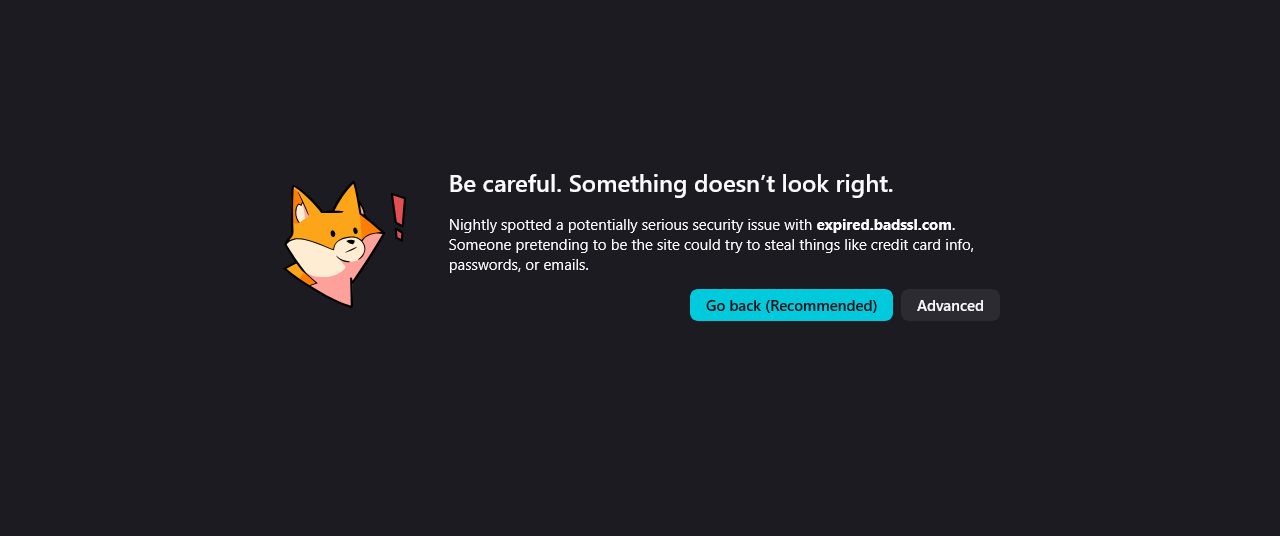
- Firefox error pages have a fresh new look, with updated visuals that better match the overall feel of Firefox. The redesigned pages create a more cohesive experience while making it clearer what went wrong.
- On Windows, Firefox will use the modern
Windows.Devices.GeolocationAPI for geolocation instead of Windows 7 location API.
Fixed
- Increased robustness of HTTP/3 upload performance for unstable network conditions.
- Various security fixes.
Web Platform
showPicker()now supports text-based<input>elements with an associated<datalist>, displaying the autofill dropdown. See documentation.- The functions
xywh()andrect()were previously implemented for theclip-pathandoffset-pathproperties. They are now also available for theshape-outsideproperty. - The
mathvalue of the CSS font-family is now supported and used by default for MathML’s<math>element. It enables Web developers to indicate special fonts with advanced math features should be used. Firefox will rely on the serif font for mathematics defined in Firefox preferences. - Added support for the HTML attribute
popover="hint". - Enabled media element pseudo-classes, such as
:playing,:paused… - Enabled the spec-compliant
HTMLMediaElement.captureStream()API. - Added support for closing popovers & dialogs with the Android Back Button, and implemented the
CloseWatcherAPI for handling this in script. - The new Reporting API provides a generic reporting mechanism for web applications to use to make reports available based on various platform features (for example Content Security Policy, Permissions-Policy or feature deprecation reports) in a consistent manner.
Developer
- The toolbar of the Storage Inspector now has a button to delete all entries of the currently selected storage.
- Besides each CSS declaration related to a computed value shown in the Computed view there’s now an icon to jump to it in the Rules view.
Mozilla Firefox
Version : 149.0
Télécharger pour Windows, macOS ou Linux
